Features
Local. Secure. Offline by default. Under your control.
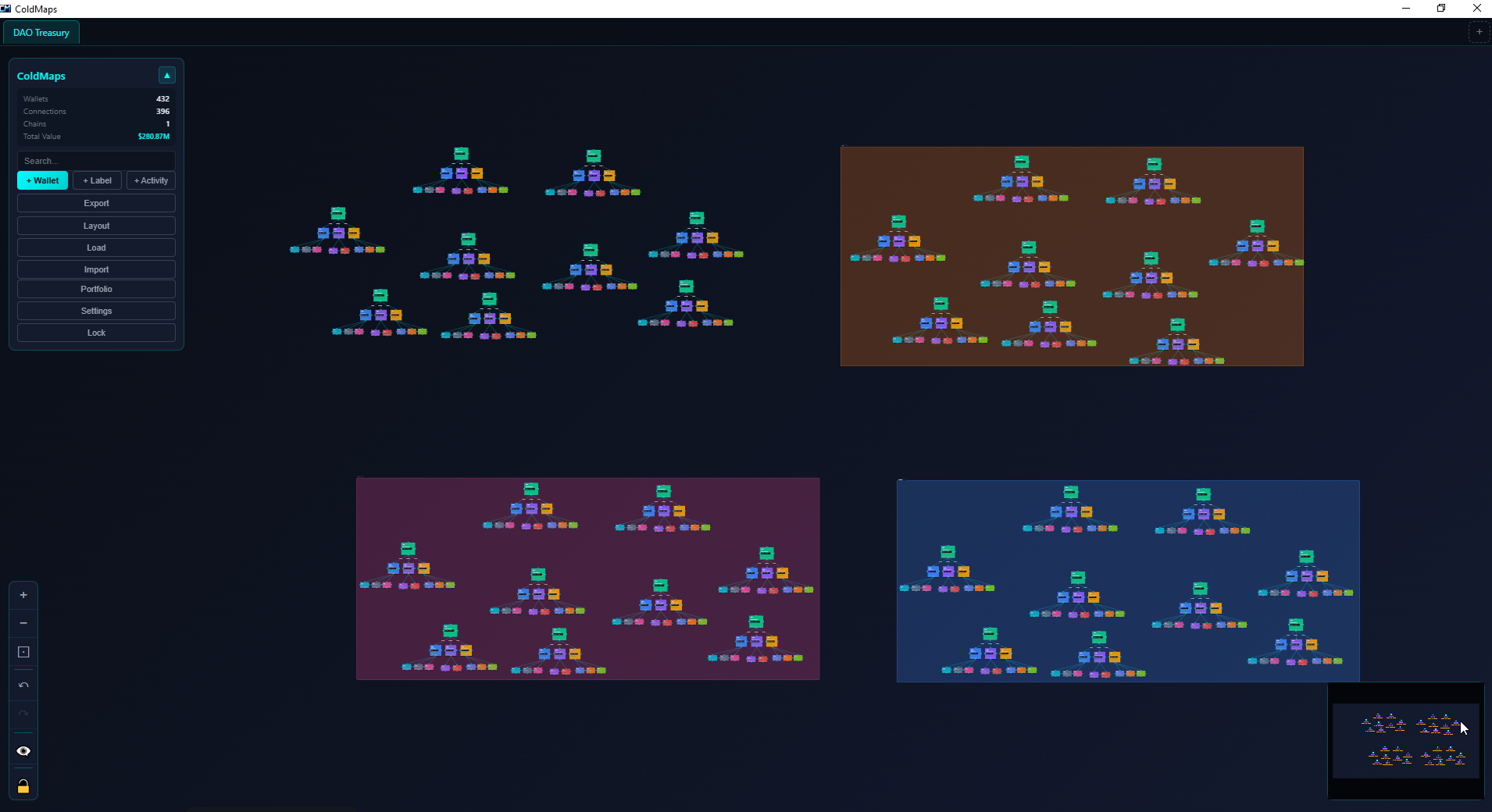
Local. Secure. Offline by default. Under your control.
An infinite canvas for mapping wallet relationships
Each wallet is a node. Drag them anywhere. Position however makes sense to you.
Draw lines between wallets. Label with amounts or notes. Color-code by type.
Select multiple wallets and group them. Custom colors and labels. Collapse to declutter.
Bird's eye view of your entire canvas. Click to jump anywhere. Never get lost.
Full history. Ctrl+Z to undo. Ctrl+Y to redo. Make mistakes freely.
Find wallets by label, address, chain, or notes. Matches highlight, others dim.
13 predefined chains plus custom chains. All major L1s and L2s in one view.
Ethereum, Polygon, Arbitrum, Optimism, Base, BSC, Avalanche, Hyperliquid, and more. Each gets its own color.
Solana, Bitcoin, SUI, TON, and more. Plus add any custom chain you need.
One Phantom or Rabby wallet = multiple addresses. Group them together, see the full picture.
Tags, notes, colors, and more
Exchange, Personal, DeFi, NFT, Hot Wallet, Cold Storage, Contract, Team, Treasury, Whale, Suspicious, Tracking. Apply multiple per wallet.
Add free-form notes to any wallet. They appear right on the card.
Color-code nodes and connections beyond chain defaults.
Add profile pics or logos for quick visual recognition.
You could track wallets in Excel or Google Sheets. Here's why Coldmaps is better.
Spreadsheets show rows. Coldmaps shows connections. See which wallets fund which, how they relate, the full picture at a glance.
Export as AES-256 encrypted .wmap files. Store anywhere safely. Your spreadsheet? Sitting unencrypted on your drive or in someone's cloud.
Ever accidentally deleted a formula and broken your whole sheet? Coldmaps just works. Drag, drop, organize.
Coldmaps validates addresses, color-codes by chain, and understands wallet formats. A spreadsheet treats everything as text.
Position wallets how your brain thinks about them. Group by purpose, by chain, by risk level. Not just alphabetical rows.
Tags, notes, groups, connections, minimap, search, undo history. Every feature designed for wallet organization.
Works without internet. Balance lookup is optional.
Fetch balances from block explorers if you want. Disabled by default. Enable in settings.
No analytics. No error reporting. No telemetry. Your data stays on your machine.
No sign-up. No login. No cloud sync. Download and use. That's it.
Your wallet list is sensitive data. We treat it that way.
Export your projects as password-protected .wmap files using AES-256-GCM - the same standard used by banks and governments.
Your password goes through PBKDF2 with 100,000 iterations to derive the encryption key. Even with the file, brute-forcing is impractical.
Lock the app on launch. Keeps prying eyes out when you step away from your desk.
Locks automatically after inactivity. Step away safely.
Encrypted .wmap files can be stored anywhere - USB, cloud, email. Without the password, the contents are unreadable.
Get data in and out easily
Bulk add wallets from spreadsheet. Auto-detect columns.
Export all wallets with labels, addresses, chains, notes, balances.
PNG, JPG, PDF. High-res output. Optional watermark.
Save/load entire maps as .wmap files. Encrypted or plain.
Keyboard shortcuts and bulk operations
Ctrl+F search, Ctrl+A select all, Ctrl+C copy, Ctrl+Z undo, Delete to remove.
Select multiple. Change chain, tags, colors for all at once.
Multiple projects open. Switch instantly. Organize by campaign or purpose.
Right-click for quick actions. Edit, copy address, delete, open in explorer.
Switch between dark and light mode. Matches your system preference or set manually.
Full history support. Ctrl+Z to undo, Ctrl+Y to redo. Never lose work.
Free tier includes AES-256 encrypted exports. Same security as Pro.
You only pay for scale - never for safety.